Chasing bank transfers
Asking for a deposit by message, waiting for a transfer and checking your account takes time and feels awkward.
Request a deposit in one click from an appointment or when approving an online request. Your client pays by card on a secure page, the slot is confirmed as soon as she pays and the money goes straight to your Stripe account.
The everyday need
SMS reminders reduce forgotten appointments, but they are not always enough for long services or new clients. Without a deposit, all the risk stays with you.
Asking for a deposit by message, waiting for a transfer and checking your account takes time and feels awkward.
Without written terms before payment, it is hard to know whether a deposit is refunded or kept after a cancellation.
Who paid, who still has to pay, how much to deduct on the day: everything relies on your memory.
Inside Flowa
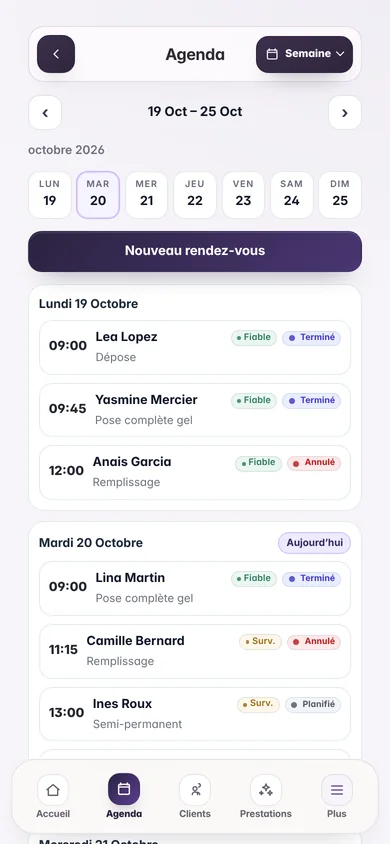
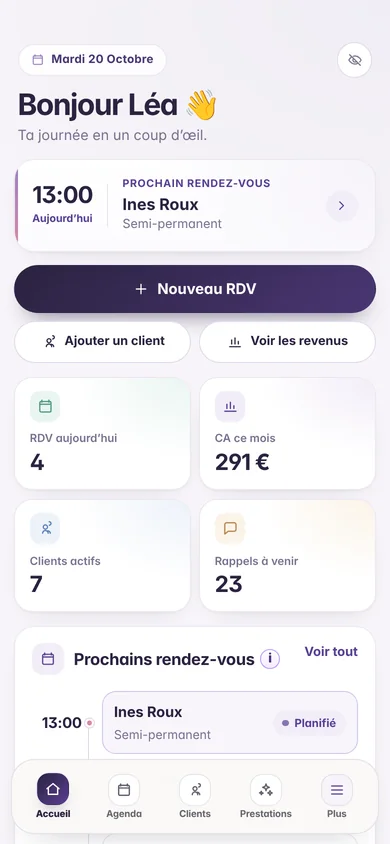
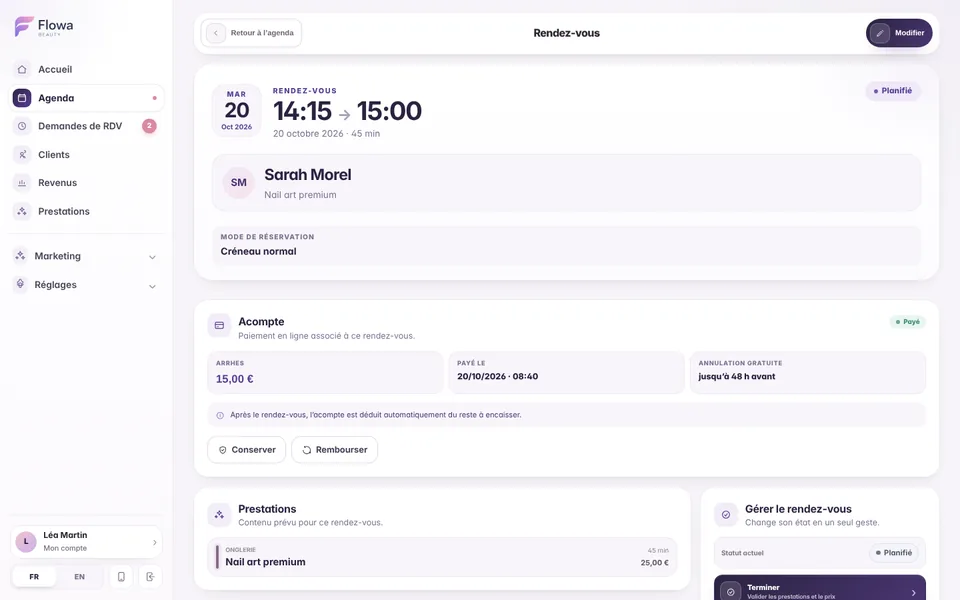
The deposit stays attached to the appointment: its status appears in the calendar, on the appointment and in your revenue.
Connect or create your Stripe account in minutes. Payments go to you and Stripe pays them out to your bank account.
Choose a default amount or a percentage of the price, and limit deposits to the services you choose.
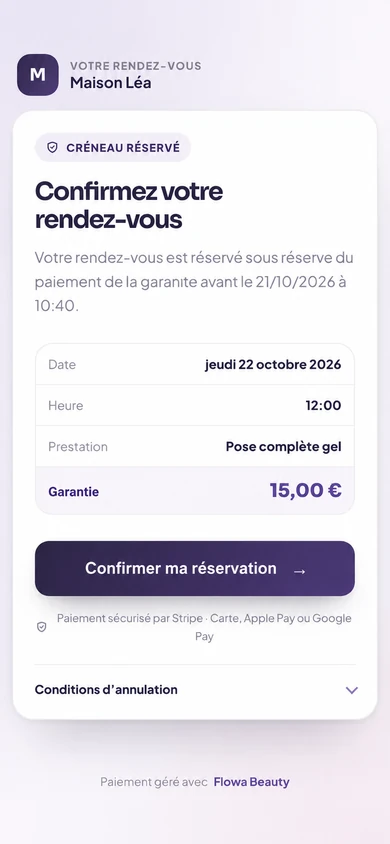
The deposit is part of the appointment price paid in advance. Set the free cancellation period and the terms shown to the client before she pays.
Send the link by email, by SMS or copy it for WhatsApp and Instagram. A payment deadline applies and you can send a reminder.
When a client books from your mini-site, approve the slot and request the deposit in the same email.
After a cancellation, Flowa recommends refunding or keeping the deposit based on your terms, then sends the refund to Stripe.
On the day, the paid deposit is automatically deducted from the amount to collect without distorting your revenue.
A notification tells you when a deposit is paid or expires. Kept deposits and Stripe fees appear in your revenue.
How it works
Setup happens once. After that, every deposit request takes one click.
From Settings › Online payments, connect or create your Stripe account: Stripe verifies your identity, address and bank details.
Amount, free cancellation period and eligible services.
From an appointment or when approving an online request, send the payment link to your client.
As soon as she pays, the appointment shows “Deposit paid” in your calendar and you get an alert.
Clear rules
Frequently asked questions
Every answer reflects how Flowa Beauty currently works.
No. Deposits go to your own Stripe account. Only Stripe fees apply, about 1.5% + €0.25 per European card, charged directly by Stripe.
Yes. Create or connect it from Flowa in a few minutes. Stripe verifies your identity and pays out to your bank account.
She receives a secure link by email, SMS or message. She pays by card, Apple Pay or Google Pay without creating an account.
The slot stays reserved until the payment deadline. The request then expires: you can send a 24-hour reminder or cancel the appointment.
Yes, in full or in part, from the appointment. When you cancel a paid appointment, Flowa suggests refunding or keeping the deposit based on your free cancellation period.
It depends on the terms you set and on local rules. Write clear cancellation terms, show them before payment and have them checked if needed.
Everything stays connected
Try them for 14 days with your real services, no payment card needed. Every feature is then included in the single €29.90/month plan.
Nothing is charged when the trial ends.