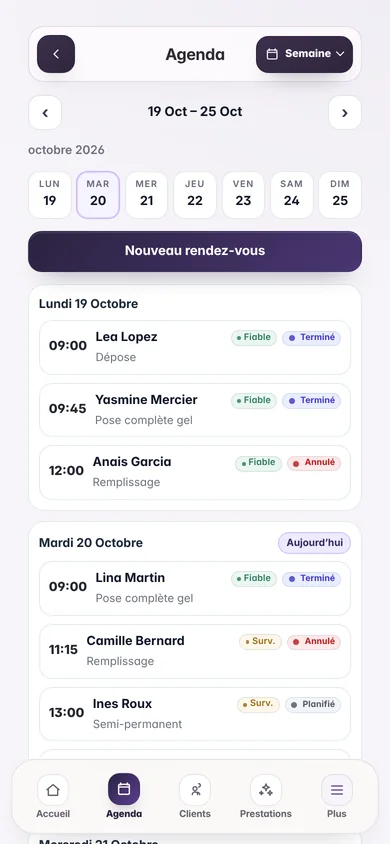
Calendar occupancy
Measure the real occupancy of your calendar.
Compare the hours you could sell with the hours clients booked. Then separate completed time from cancellations and time lost to no-shows.
- Booked and actual views
- Cancellation impact
- Immediate result
01 Your information
Calculated on this device · none of the information entered is stored.
02 Your result
Understanding your result
A booked calendar is not always a paid calendar.
Booked occupancy measures demand: booked hours divided by available hours. Actual occupancy removes cancellations and no-shows to show the share of time genuinely worked.
Track the same period each time, such as a week or a month, so comparisons remain meaningful.
- 01
Choose a consistent period.
- 02
Enter hours open for booking and hours booked.
- 03
Add cancellations and no-shows to calculate actual occupancy.
Take it further
Connect the result to your workflow.
FAQ
Frequently asked questions about this tool.
Which period should I analyse?
A week provides a quick view, while a month smooths daily variations. Keep the same period when comparing results.
What is the difference between booked and actual occupancy?
Booked occupancy includes every booked slot. Actual occupancy removes cancelled and missed hours.
Should breaks be included?
No. Only count time that you genuinely made available for clients to book.
Go further
Flowa does this calculation for you, at every appointment.
Prices, booking rate, reminders and loyalty update automatically in your space, no spreadsheet needed.
- 14 days free, no payment card
- €29.90 a month, every feature included
- 250 SMS included every month
- No commission on your appointments
Nothing is charged when the trial ends.