When you run a beauty business on your own, the last thing you need is another tool to keep checking. You need software that stops you jumping between a paper diary, Instagram, text messages, client notes and a separate revenue spreadsheet.
The best software for an independent beauty professional is therefore not the one with the longest feature list. It is the one that saves time during a real working day, without forcing you to rebuild the way you work around the software.
The short answer: choose a mobile-friendly tool built around your services, with a calendar, client profiles, reminders, booking requests and business insights in one place. Then check its full cost, the support available and the features your day-to-day work actually depends on.
Start with your working day, not a feature list
Before comparing tools, look closely at one normal week. Which information do you search for more than once? Which tasks are still waiting at the end of the day? Which client questions keep coming back?
The most common problems are usually very practical:
- replying late at night to “Do you have anything tomorrow?”;
- correcting an appointment booked with the wrong duration;
- finding the service completed during a client’s last visit;
- contacting every client manually after a schedule change;
- calculating revenue from several different places;
- losing a time slot because of a forgotten appointment or no-show.
Score each problem from one to five. Your next piece of software should first improve the two or three issues that cost you the most time or money. Dozens of extra options matter far less if the basics still feel slow.
A good calendar should understand your services
A full set, an infill, a lash lift and a facial do not fit into a calendar in the same way. Durations vary, some services need preparation and your pace may change from one day to another.
Your calendar should let you:
- set the duration and price of every service;
- change a time or service without recreating the appointment;
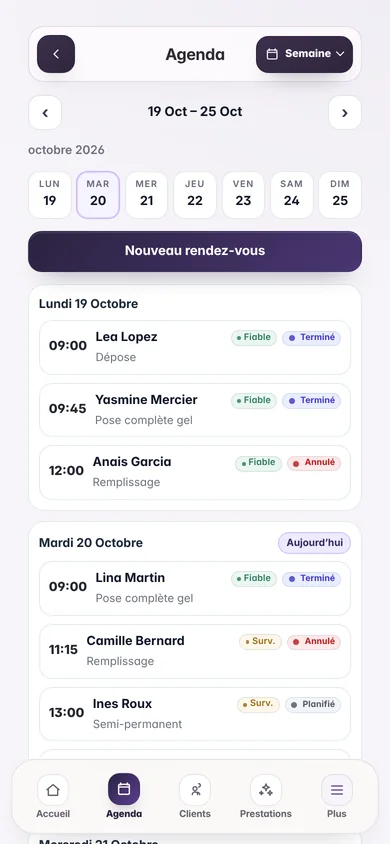
- move quickly between day, week and month views;
- add time off or close selected dates;
- distinguish scheduled, completed, cancelled and missed appointments;
- adjust the amount actually charged at the end of a service;
- use the calendar comfortably on a phone.
If you work from home on certain days, from a studio on others or use changing hours, test those situations before deciding. A perfect demonstration based on identical working days will not always reveal the limits of the calendar.
Booking requests should leave you in control
Online booking can reduce repetitive conversations, but opening every available slot without review does not suit every independent professional. Some requests need a quick check: the actual service duration, the client’s starting point, the gap before the next appointment or a particular constraint.
There are two common approaches:
- the appointment is confirmed immediately according to automatic rules;
- the client requests a time and you approve it before confirmation.
The second option gives you more control. It works well when you only want to show selected days or time ranges. Either way, the journey should be clear: the client selects a service, shares their details and knows when to expect a decision.
The public page matters too. A link shared on Instagram should present your business clearly and build trust, without exposing appointments already in your private calendar.
Do you need to take a deposit?
A missed appointment means lost time and revenue. A deposit can make sense for long, expensive services or appointments that are difficult to refill at short notice.
The need is different for every business. Before choosing software for this feature alone, ask yourself:
- how many no-shows do you actually have each month?
- could an automatic reminder and manual approval already reduce the problem?
- which payment fees or paid options would deposits add?
If deposits are essential to your way of working, check the process carefully before subscribing: refunds, cancellations, fees, payouts and the client experience. Do not assume the feature is included simply because a plan mentions online payments.
Reminders should follow the appointment automatically
A useful reminder should never require you to enter the same information twice. It should be created from the appointment and updated whenever the date or time changes.
Check the following points:
- is a reminder prepared automatically when the appointment is created?
- does changing the appointment update the reminder?
- are upcoming and already sent reminders clearly separated?
- are SMS messages included in the plan or charged separately?
- can you see the remaining balance before it runs out?
Clear answers prevent billing surprises and help you understand the real cost of the service.
Client profiles should help before every appointment
A useful client profile contains more than a name and phone number. It brings together contact details, notes, history, upcoming appointments and service preferences.
Before a visit, you should be able to recover the context in seconds. After the service, the completed appointment should become part of that history automatically. A loyalty card can follow the same client journey, with stamps added according to the rules you choose.
Also check that your data can be exported. Your records should remain usable if your business changes or you decide to move to another tool.
Revenue should remain easy to understand
When you work alone, admin often gets pushed to the evening or weekend. Good software should turn completed appointments into useful information straight away.
The most helpful figures are usually:
- revenue recorded today, this month or over a selected period;
- the number of completed appointments;
- the amount actually charged after a discount or supplement;
- the most frequently booked services;
- quieter periods;
- changes compared with the previous period.
The dashboard should support decisions without trying to become complex accounting software. The totals should reflect the services you actually completed.
Look beyond the advertised price
An entry price does not always show what the software will cost once it is set up. Some providers charge separately for reminders, personalisation, booking, extra users, support or payments.
For a fair comparison, calculate the complete monthly cost:
subscription + essential options + communications + payment fees + any commitment.
Check that the features you use every day are included in the advertised plan. A slightly cheaper product can cost more if you still need several other tools alongside it. We explain this calculation, with a worked example, in commission or subscription: the real cost of beauty booking software.
Work out whether the software will pay for itself
Do not compare the subscription price alone. Estimate the time and missed revenue it could save.
Use three figures:
- the hours of admin saved each month;
- the appointments protected by reminders and clearer organisation;
- the separate tools you could remove or bring together.
If you save two hours of admin and prevent just one missed appointment, the value may already exceed the monthly subscription. Use your own hourly rate and average booking value rather than relying on a broad marketing promise.
General calendar or beauty-specific software?
A general calendar can be enough when you only need to record a few time slots. It becomes limited when you want to connect a client, a service, a price, a reminder, a loyalty card and a history.
Beauty-specific software uses the language and actions of your profession. Service setup feels more natural and information stays organised around the appointment. That specialisation only helps when the interface remains simple. An overloaded industry tool can be just as difficult to use as a generic platform.
The right balance is software that is complete enough to avoid duplicate data entry and clear enough to understand without lengthy training.
Mobile use and support make a real difference
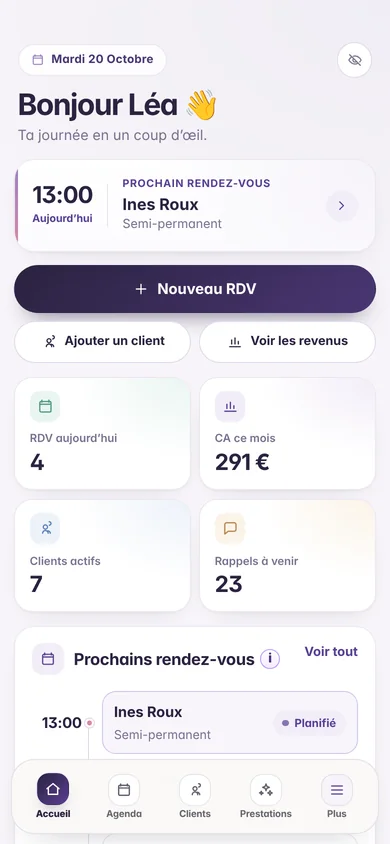
You do not spend your whole day at a computer. Test the software on your phone: viewing the next appointment, finding a client, moving a time slot and completing a service should all feel comfortable.
An installable web app, or PWA, can be added to the home screen without an app store. It should open quickly and offer navigation designed for a phone.
Support matters too. If you are stuck during a busy day, can you understand the documentation or contact a team that knows the product? A straightforward tool with accessible support is often more useful than a long list of features that are difficult to master.
A checklist for comparing two tools
Use this list during a trial:
- Can I create a complete appointment in under a minute?
- Are different service durations and days off easy to configure?
- Can a client request a time without seeing my private calendar?
- Do reminders update automatically after a change?
- Can I find a client’s history immediately?
- Can I change the final price of a completed service?
- Do the figures match the appointments I have completed?
- Is the interface genuinely comfortable on mobile?
- Is the full price easy to understand?
- Can I get help and export my data?
Do not test with generic examples alone. Recreate a real day using your own services, durations and constraints.
Why Flowa Beauty fits an independent beauty business
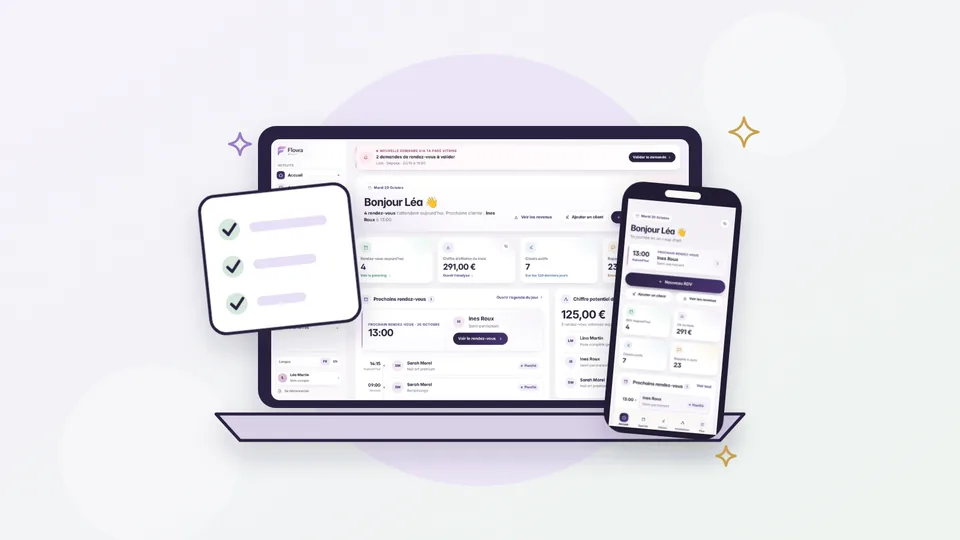
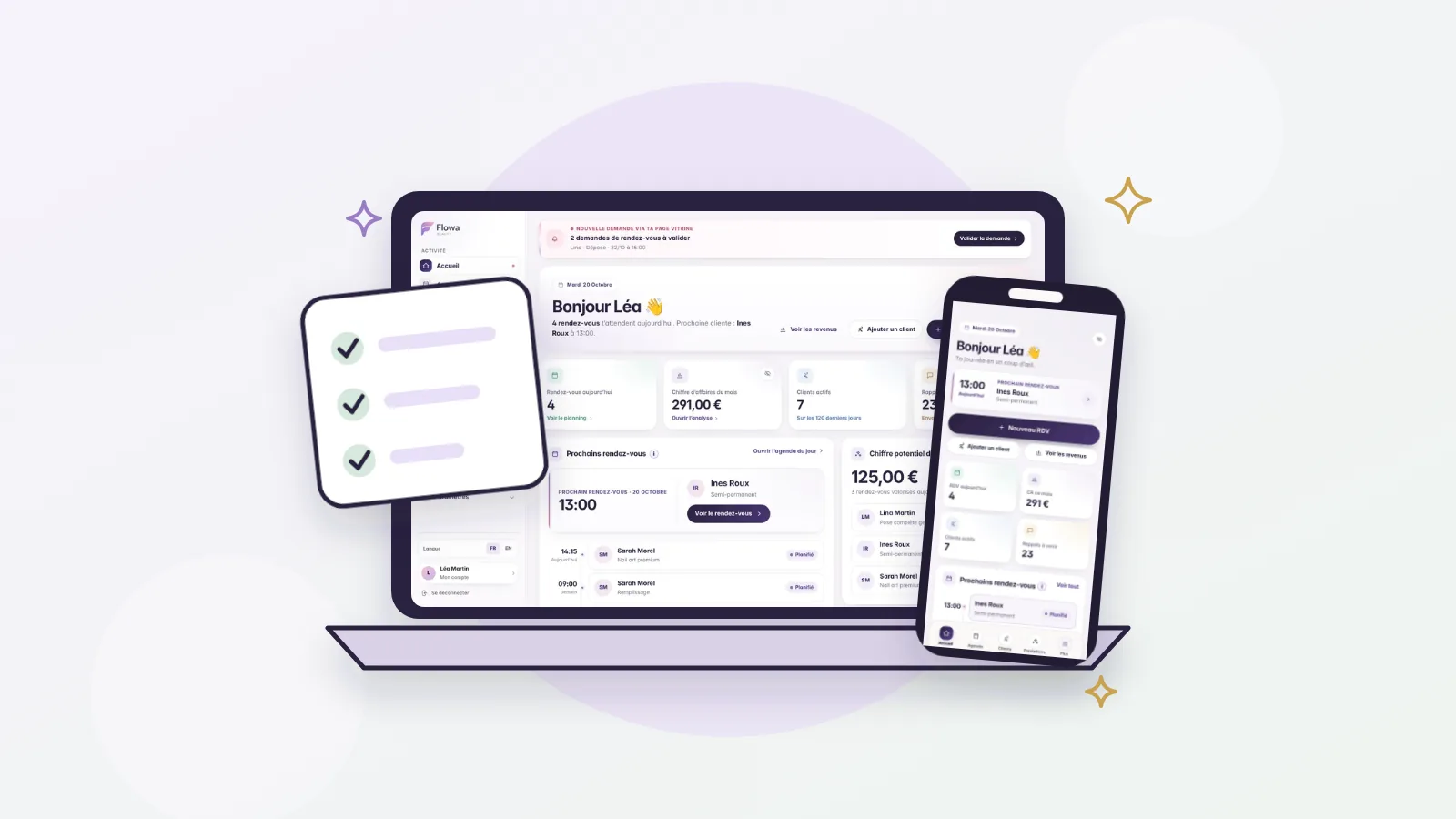
Flowa Beauty brings together your calendar, clients, services, automatic SMS reminders, loyalty cards and revenue insights. Booking requests from your public page remain subject to your approval before they enter your schedule.
Changing an appointment updates the related information. At the end of a service, you can adjust the amount charged and manage the loyalty card yourself. Day, week and month views remain available on phone, tablet and computer.
The aim is simple: reduce repeated admin and give you a clear view of the day. The features and price are presented in one plan, so you can decide whether the product fits your business.
Try it with a real working week
To change tools without disrupting your business:
- configure your main services and their durations;
- add your upcoming appointments;
- create a few client profiles;
- test a time change and its reminder;
- complete a service with a price adjustment;
- then review the result on the dashboard.
Choose a specific date from which every new appointment and client update will go into the new tool. This simple rule prevents you from maintaining two calendars in parallel. Follow our 14-day free trial plan to test the tool, then our method to switch booking software without losing clients.
The best software is the one that reduces your mental load
The size of the company or the length of its feature page does not guarantee that a product will suit you. The right tool respects the way you work, remains predictable in price and proves useful during the first week.
Base your decision on three results: less time spent on admin, fewer details forgotten and a business that is easier to understand. If the software achieves those goals without making the day more complicated, it becomes a reliable working tool.
Comparing booking platforms? Read our guides to a Booksy alternative, Planity vs Flowa and commission-free beauty software. You can also see how Flowa works for nail technicians, beauty therapists and lash and brow artists.
Create my Flowa Beauty workspace and try a workspace designed for independent beauty professionals. Everything is included in one price, shown on the pricing page.